How to create a gang
Save 25,000 coins to create a gang. Equip your Phone and open the Gangs app once you have enough. The developer’s gang creation card gives the price and directs you to the app.
If you still need the Phone, finish Meryl’s Chapter 2 briefing at IKO IKO. The storyline guide shows where to meet her.
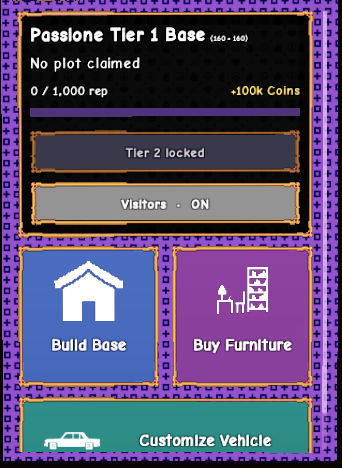

Find a plot and build a base
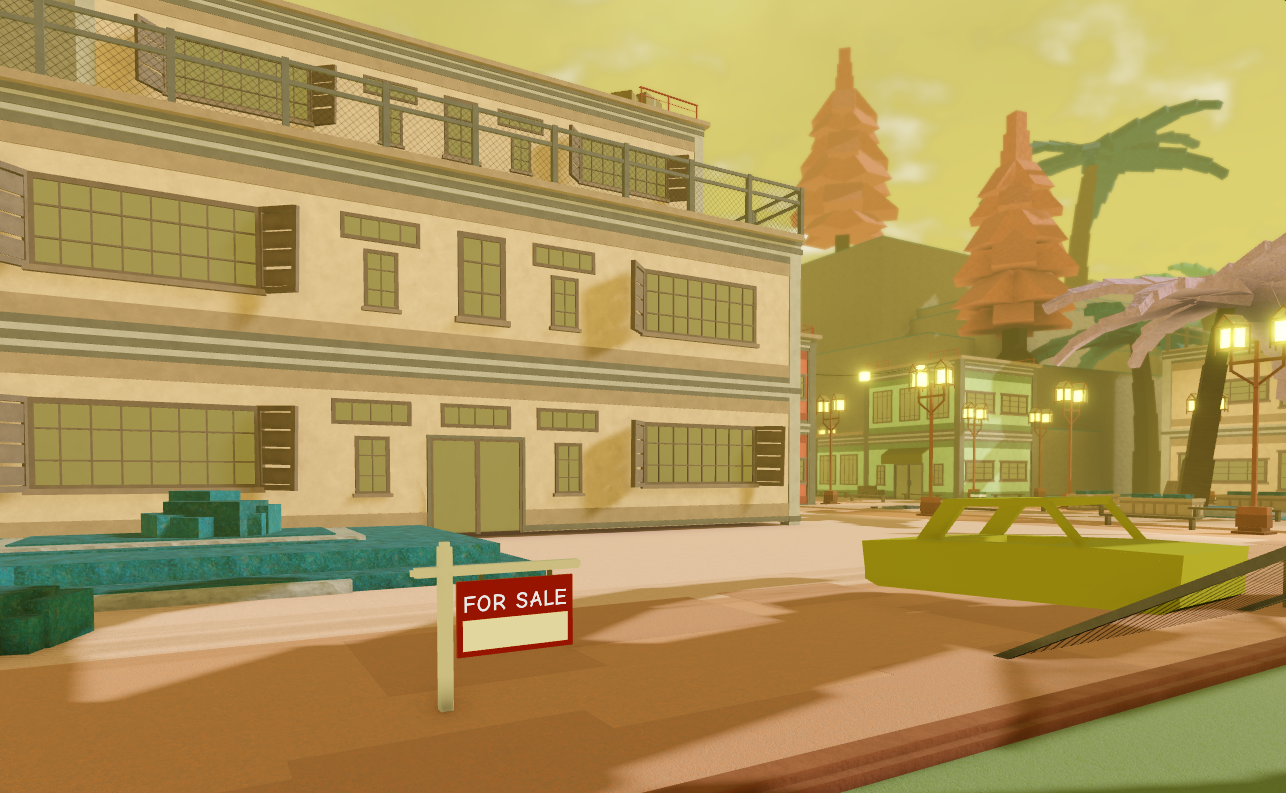
Once you have a gang, interact with a plot to build your base there. The developer’s Plots card shows an example near the Docks. Look for the red For Sale sign in front of the light-colored building.

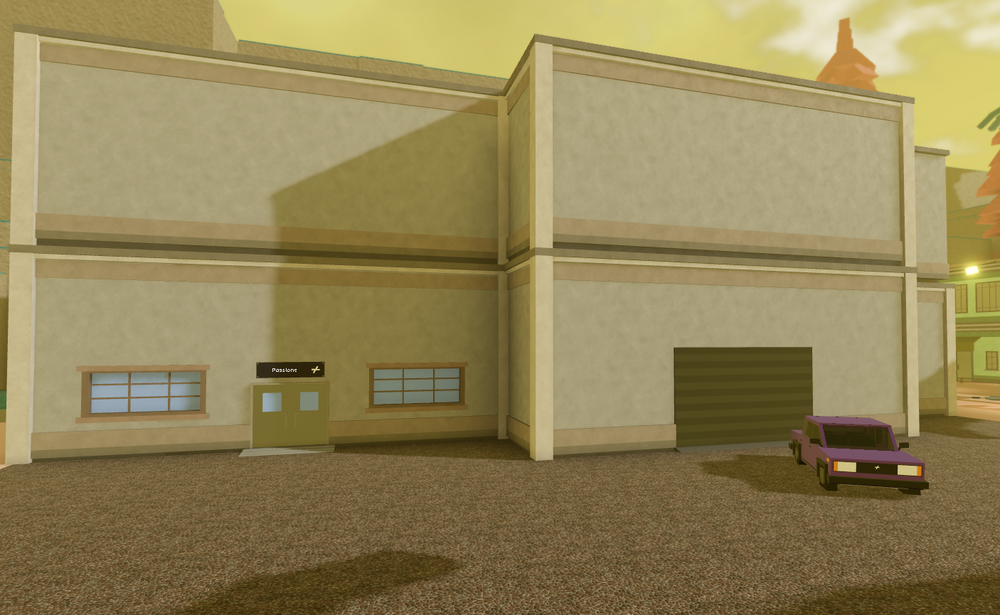

The Building card lists furniture, rooms and painting. Use the room labels in the building view to tell the spaces apart.
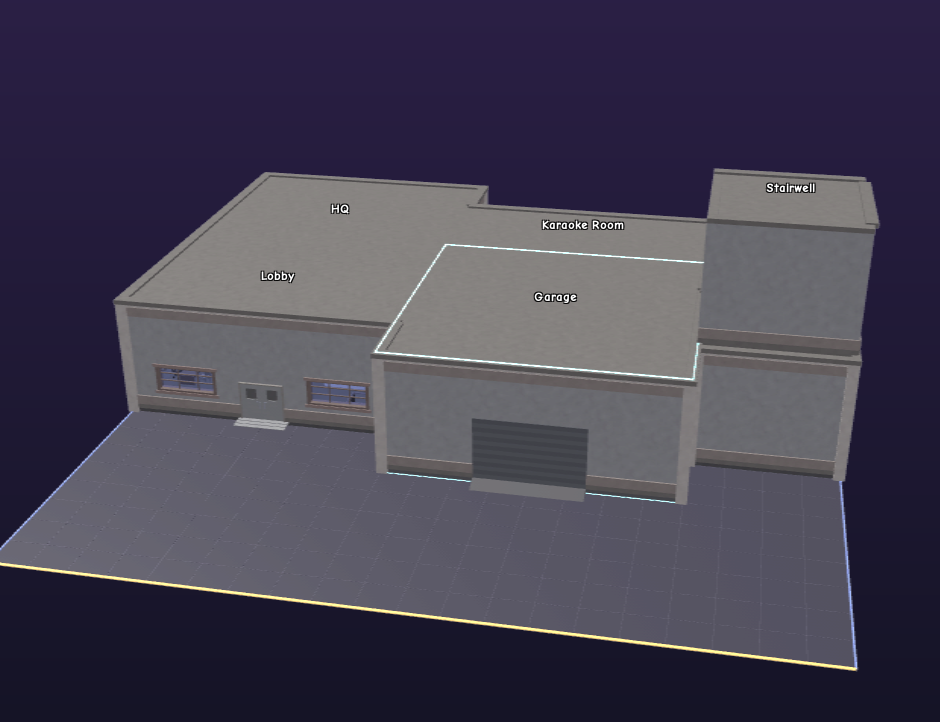

The Rokakaka Growing Room card lists 3× growth speed for Rokakakas inside that room. For ordinary crops, see the gardening guide.
Each gang base comes with a garage, according to the Gang Vehicle card. See the fast travel guide for car controls.


How Stand Out gangs earn and spend coins
Any gang member can deposit into the gang bank. The Bank card says the shared funds pay for building, furniture and car upgrades. Check the bank balance, what the gang plans to buy and what’s at risk in a raid before deciding how much to deposit.
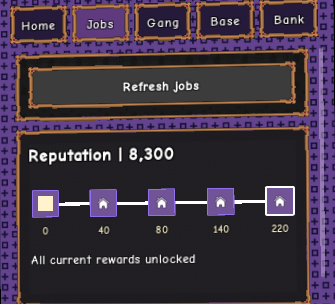
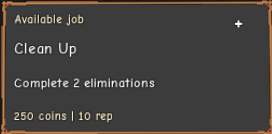
Open Jobs in the Gangs app to see available jobs and reputation. The developer’s Gang Jobs card gives these examples.
| Job | Developer card example |
|---|---|
| Clean Up | Complete two eliminations. |
| A Good Week | Complete another gang job. The example screenshot says “Complete gang jobs.” Check the live job tracker for the current target. |


Gang raids and plot choices
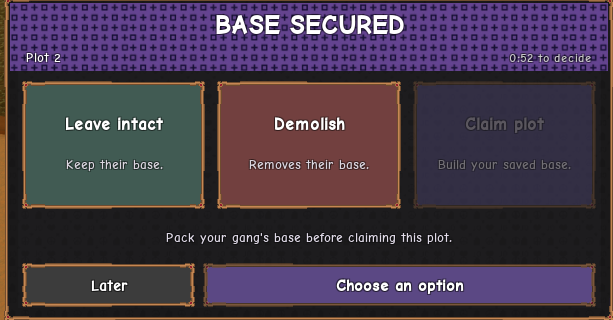
The developer’s Raids card says a successful raid can cost the defending gang stored bank money. After a successful raid, the example Base Secured menu displays Leave intact, Demolish and Claim plot.
If the game tells you to pack your gang’s base first, pack your existing base before claiming the plot.

Food Safety Agency inspections
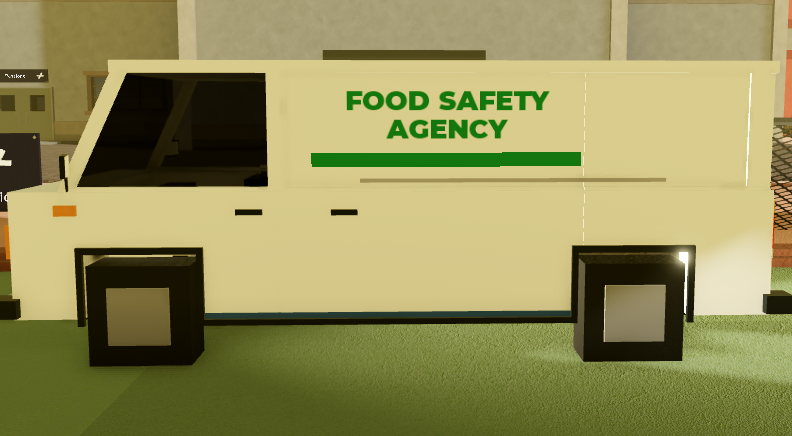
When the Food Safety Agency asks to inspect your base, the developer’s inspection card describes two choices. You can allow the inspection or ask for a warrant.
- Inspectors seize Rokakaka if they find it growing during the inspection.
- Asking for a warrant brings Police and results in a search warrant.
- Attacking inspectors during the inspection brings Police and SWAT.

Sources
Checked November 18, 2026 against the developer’s Stand Out Trello cards. The links in each section lead to the cards used for the guide. Each screenshot links to its card and original attachment.